How to Use the Binance Futures Calculator (PnL, Liquidation, ROE)
Guide to using Binance's built-in futures calculator. Calculate profit/loss, liquidation price, and target price before trading.

Binance Futures Calculator
Binance has a built-in calculator that helps you plan trades before executing them. Here’s how to use each function.
Accessing the Calculator
On the futures trading page, look for the calculator icon near the order entry panel.
1. PnL Calculator
Calculates your profit or loss based on entry and exit prices.
Inputs:
- Entry price
- Exit price
- Quantity (in contracts or coin amount)
Example:
- Long BTC at $100,000
- Exit at $105,000
- Quantity: 0.1 BTC
- PnL = 0.1 × ($105,000 - $100,000) = $500
2. Liquidation Price Calculator
Shows exactly where your position will be liquidated.
Inputs:
- Entry price
- Leverage
- Margin mode (cross/isolated)
- Position size
Example:
- Long BTC at $100,000
- 10x leverage, isolated margin
- Liquidation price ≈ $90,400
3. Target Price Calculator
Calculates the price needed to achieve your desired ROE.
Inputs:
- Entry price
- Leverage
- Target ROE percentage
Example:
- Long BTC at $100,000
- 10x leverage
- Target ROE: 50%
- Target price = $105,000 (5% move × 10x = 50% ROE)
4. Max Open Calculator
Shows the maximum position size you can open.
Based on:
- Available balance
- Leverage
- Current margin requirements
Tips for Using the Calculator
- Always check liquidation price before entering a trade
- Calculate fees — they reduce your actual PnL
- Factor in funding rates for longer-term positions
- Use target price to set realistic take-profit levels
- Consider slippage — actual execution may differ slightly
Get 20% Off Binance Trading Fees with RATE20
New to Binance? Open the official signup page with RATE20 already applied for a 20% trading-fee discount. You do not need to copy or type the code. Review the referral details before completing registration.
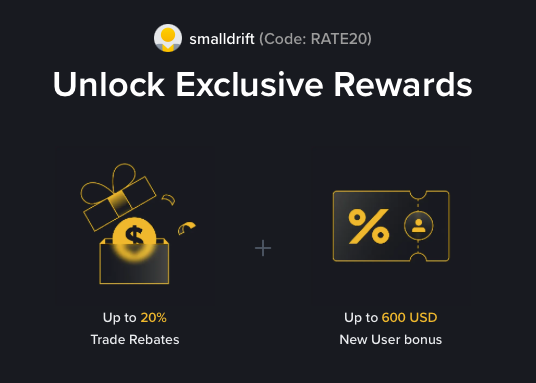
- Referral code: RATE20, pre-applied by this link
- Fee discount: 20%, shown on the Binance signup screen
- Additional rewards: Check Binance for current promotions and regional availability
Be wary of unofficial referral offers promising benefits they cannot show. The Binance signup screen lets you check the code and fee discount directly.
Compare Binance fees and available discounts →
SmallDrift may earn a commission when you sign up through this link. Trading involves risk, including loss of capital.
Related Articles
Explore Related Guides
Daily Crypto Market News
Follow Bitcoin price moves, major altcoins, and the events shaping the market.
Bitcoin ETF Flows Guide
Understand ETF inflows and outflows, and how to read them alongside price action.
Binance Fee Calculator
Learn how to estimate trading costs with referral and BNB discounts.
Verified Binance Referral Guide
See how RATE20 is applied and what to check on the Binance signup screen.